


Magic Board - Doodle & Color
4.2133.00 Reviews
App Specs
- Version
- 1.46
- Updated On
- License
- Free
- Downloads
- 5,000,000+
- Developer
- Orange Studios Games
- Categories
- Parenting
- Platform
- Android, iOS
Screenshots

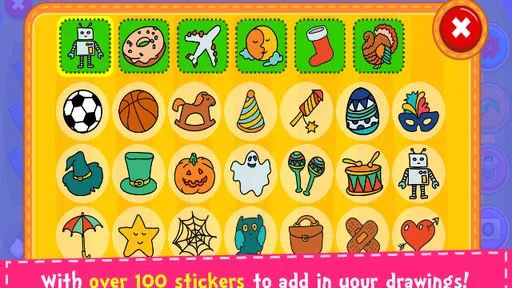
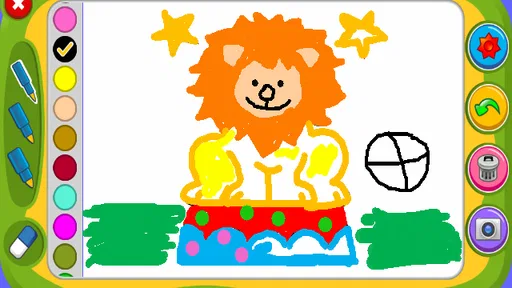

 Analysis by AppCompare
Have you ever found yourself needing a creative outlet while on the go? Well, let me introduce you to Magic Board - Doodle & Color. This app is like having a mini art studio right in your pocket. Whether you're an aspiring artist or just want to unwind with a little doodling, this app has something for everyone.
Getting Started
Downloading Magic Board - Doodle & Color is a breeze. Available for both Android and iOS, it’s just a quick search and a tap away. Once you open it, you're greeted with a straightforward interface that’s as inviting as a blank canvas. No complicated menus, just the tools you need to jump right into creating your masterpiece.
Features Galore
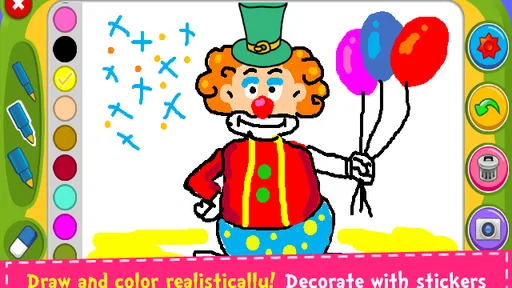
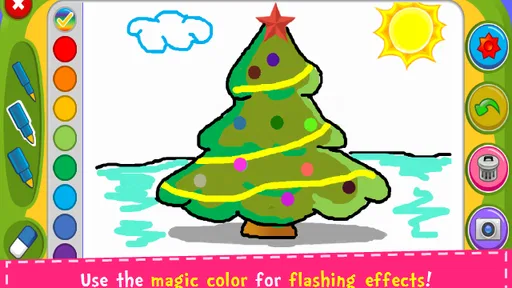
Let’s talk features because this app is packed with them. You’ve got a variety of brushes that can mimic anything from a fine pencil to a thick paintbrush. Feeling adventurous? Try the magic brush tool. It adds a layer of unpredictability that’s both fun and inspiring.
The color palette is expansive, allowing you to choose from a spectrum of shades or create your own custom colors. If you're like me and can’t resist a good gradient, you’ll love blending colors to see what new hues you can discover.
The Joy of Doodling
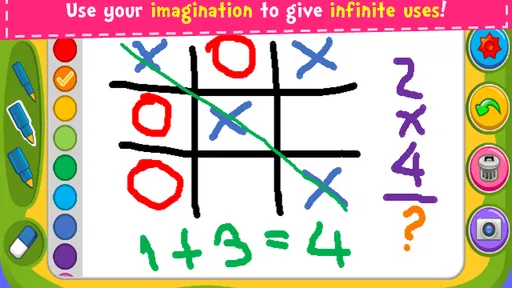
One of the things I love about Magic Board - Doodle & Color is how it makes doodling accessible to everyone. It's not just for serious artists. Whether you're sketching a quick idea or going for detailed digital art, it’s all about having fun. The app records your progress, so you can watch a timelapse of your creativity unfolding—a feature that never gets old.
Relax and Unwind
Let’s face it, life can be stressful. Sometimes you just need to zone out and focus on something simple. This app offers a therapeutic escape. You can lose yourself in the act of coloring, trying out different shades, and experimenting with various tools. Before you know it, you've created something beautiful and feel more relaxed.
Sharing Your Art
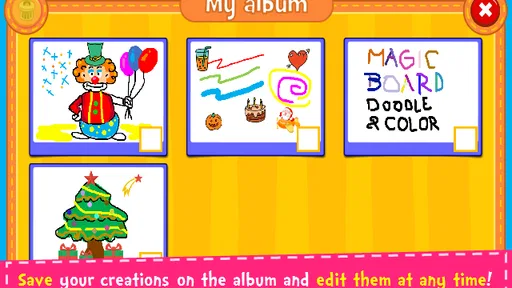
Once you’ve finished your masterpiece, sharing it is a snap. The app lets you save your work in high resolution, perfect for printing or sharing on social media. It’s satisfying to see your creations come to life and even more enjoyable to share them with friends and family.
Worth Reading Before You Choose

Flipboard Shows What News Apps Must Do Beyond the Feed

Switching to Android Auto Means Rethinking Your Driving Routine

Google Calendar Makes a Crowded Week Easier to Manage

Ludo King Makes the Most of the Minutes Between Plans

Baby Panda World Brings Quick Play to Modern Phones, but Its Game Library Feels Busy

ESPN’s Live Game View Makes Following Close Games Easier
What’s the Catch?
Alright, let’s keep it real. No app is perfect, and while Magic Board - Doodle & Color is a delight, it does have its quirks. Occasionally, you might find the app lagging if you're using it on an older device, especially when your artwork gets complex. However, this is a minor issue compared to all the fun you’ll have.
In conclusion, if you’re looking for an app that combines creativity, fun, and relaxation, Magic Board - Doodle & Color is a fantastic choice. Whether you're a seasoned artist or just want to doodle away your afternoon, this app is worth a download. So go ahead, unleash your inner artist and see where your imagination takes you!
Pros
- Intuitive user interface for easy navigation.
- Wide variety of drawing tools and colors.
- Supports multi-touch for collaborative drawing.
- Saves artwork in high resolution.
- Minimal ads for an uninterrupted experience.
Cons
- Limited export options for artwork.
- No offline mode available for use.
- Occasional lag on older devices.
- In-app purchases for premium features.
- Lacks advanced editing tools for professionals.
FAQs for Magic Board - Doodle & Color
What is Magic Board - Doodle & Color?
Magic Board - Doodle & Color is a creative app designed for doodling and coloring. It offers a wide range of brushes, colors, and effects that allow users to create vibrant artworks. Whether you're sketching, doodling, or coloring, the app provides a fun and engaging platform for artistic expression.
Is Magic Board suitable for all ages?
Yes, Magic Board - Doodle & Color is designed to be user-friendly for all ages. With its intuitive interface, children, teens, and adults can easily navigate the app and enjoy its features. Parental controls can also be enabled to ensure a safe experience for younger users.
What features does Magic Board offer?
Magic Board comes with a variety of features including multiple brush types, an extensive color palette, and special effects like glitter and neon. Users can save their creations, share them on social media, and even print them. The app also offers templates and challenges for guided creativity.
Does Magic Board require an internet connection?
No, Magic Board - Doodle & Color does not require an internet connection for basic doodling and coloring. However, some features like downloading new templates or sharing creations online will require connectivity. This makes it a great option for offline use as well.
Are there in-app purchases or ads in Magic Board?
Magic Board is available in both free and premium versions. The free version includes ads and offers in-app purchases for additional features and content. Users can opt for the premium version to enjoy an ad-free experience and unlock all the features without limitations.


